This example demonstrates using the ACF field block’s Display label toggle.
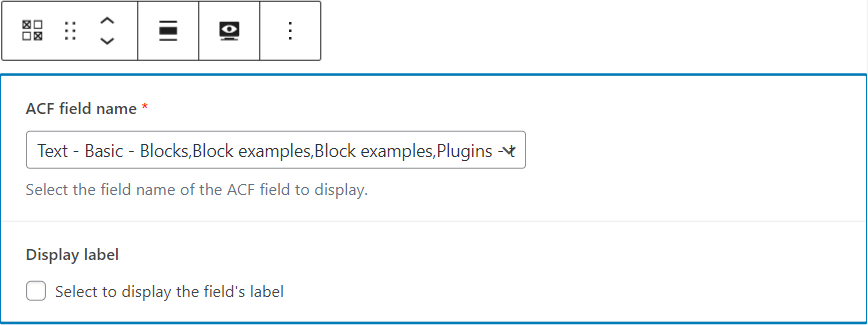
Display label unchecked
When unchecked, which is the default, the field’s label is not displayed.
Which of these gets saved?
Which of these textarea fields gets saved
Display label checked
When checked, the field’s label and value are displayed in two divs, which can be styled separately using CSS.
Text
Which of these gets saved?
Text Area
Which of these textarea fields gets saved
Custom CSS using the CSS block
- Here we style the labels and values as a grid.
- We append a separator of “: ” to each label.
div.site-inner div.wp-block-acf-field-acf-field.has-label { display: grid; grid-template-columns: 20% 80%; column-gap: 1rem; }

.wp-block-acf-field-acf-field .label::after {

    content: ": ";

}

.wp-block-acf-field-acf-field .label { font-weight: bold; }